
1- Download and install Python 2.6 on the system where the Enforce Server is installed.
For example: C:\python26.
2- Copy the “Example script” provided in this chapter to a text file and save it to a directory on the Enforce Server host as Script-Plug-In.py.
For example: C:\python26\scripts\Script-Plug-In.py.
__name__="__main__"

import sys, os, traceback
import commands

# Switch this to 0 when in production mode.
debugMode = 1

def main(args):

    try:

        f=open("C:/Python27/creadme.txt","w")
        f.write("opened")
        f.write(str("                  "))
        attributeMap = parseInput(args)
        f.write("AttributeMap: "+str(attributeMap))

        # This is the lookup parameter key.
        # Comment-out this line for testing the script standalone.

        senderEmail= attributeMap["sender-email"]
        f.write(str(senderEmail)+"SenderEMAIL")
        f.write(str("                  "))
	httpUsername = senderEmail.split("\\")
        f.write(str(httpUsername))
        f.write(str("                  "))
	httpUsername = httpUsername[1]

        # "Script-attribute" is the custom attribute.
        # "script value" is the return value.
        # You cannot have a space between the custom attribute and the
        # attribute value. For example, "Script-attribute = script value"
        # Does not work for Script Lookup Plugins.

        print "Script-attribute=script value"
        print ("HttpUserName="+httpUsername)
        f.write(str(httpUsername))
        return

    except:
        error()
        print "something went wrong!"
        f.write ("it didn't")
        return "something went wrong!"

def parseInput(args):

    # Input data is a list of key value pairs seperated by carraige return
    # Create a python dictionary to create the attribute map
    attributeMap = {}
    delimiter = "="
    for item in args:
        if delimiter in item:
            tuple = item.split(delimiter)
            attributeMap[tuple[0]] = tuple[1]
    return attributeMap

def error():
    # "SCRIPT PROCESSING ERROR"
    if(debugMode):
        #print "Script Processing Error"
        traceback.print_exc(file=sys.stdout)
    return ""

#-----------------------------------------------------------------
# DOS-style shells (for DOS, NT, OS/2):
#-----------------------------------------------------------------
def getstatusoutput(cmd):
    """ Return (status, output) of executing cmd in a
    shell."""

    pipe = os.popen(cmd + ' 2>&1', 'r')
    text = pipe.read()
    sts = pipe.close()
    if sts is None: sts = 0
    if text[-1:] == '\n': text = text[:-1]
    return sts, text


#-----------------------------------------------------------------
# Entry Point
#-----------------------------------------------------------------

if __name__ == "__main__":

      if(len(sys.argv) == 0):
          error()
      else:
          main(sys.argv)
3- Create the following custom attribute: Script-attribute.
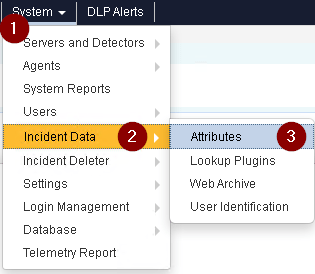
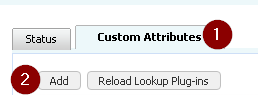
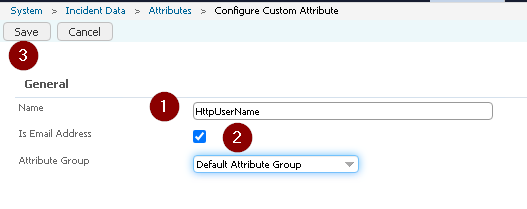
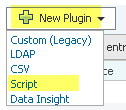
4- Select New Plugin > Script to create a new Script Lookup Plug-In
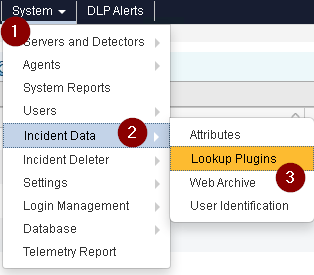
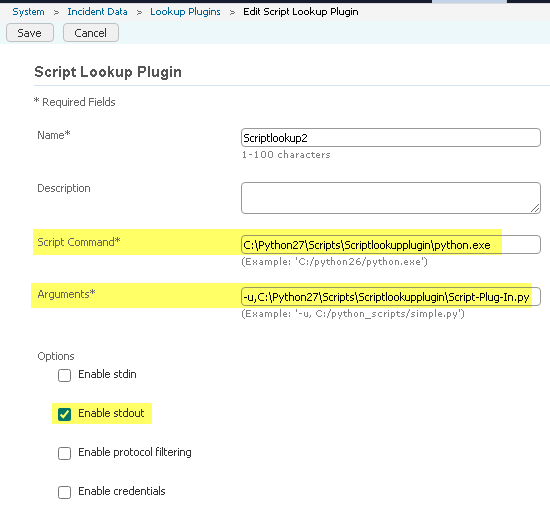
Script Command: C:\Python27\Scripts\Scriptlookupplugin\python.exe
Arguments: -u,C:\Python27\Scripts\Scriptlookupplugin\Script-Plug-In.py
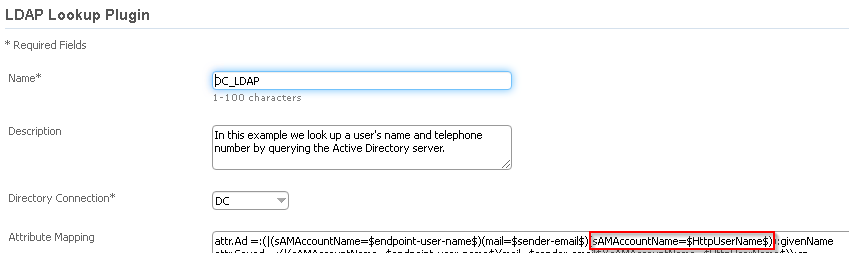
5– After adding the Script Lookup Plugin, the LDAP Lookup Plugin should be updated and the newly added custom_attibute value should be added.
6– Click Save to apply the lookup plug-in configuration.
Note : The system displays a success (green) message if the plug-in was successfully saved or an error (red) message if the plug-in is misconfigured and could not be saved.

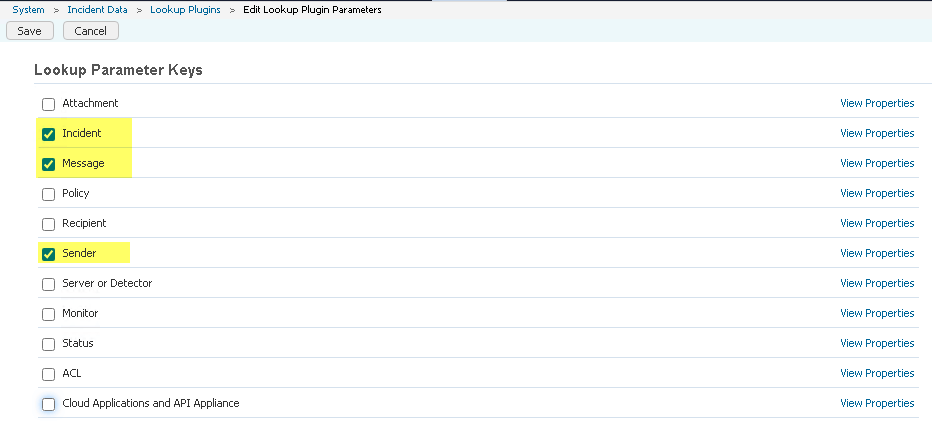
7– Enable the following lookup parameters: Incident, Message, and Sender.

8– Generate an incident that passes the date-sent attribute.
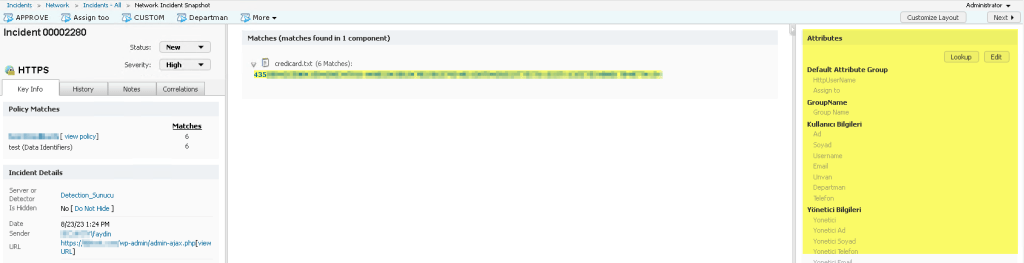
9– Go to the Incident Snapshot for the new incident and click Lookup.
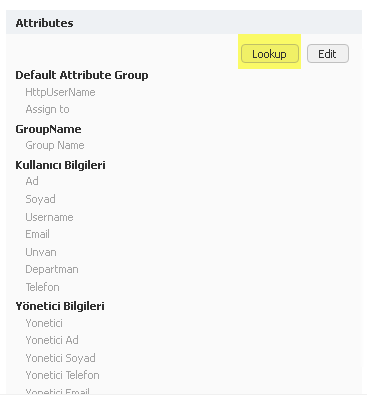
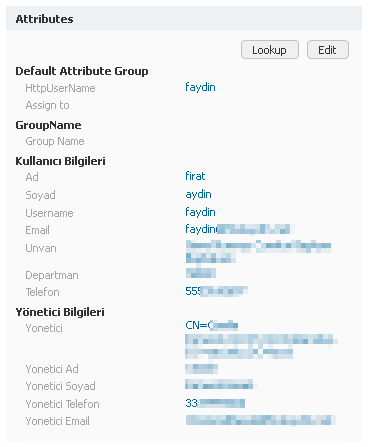
10– Verify that the Script-attribute custom attribute is populated with the value of script value.
 FIRAT AYDIN